Your AI agent can read your .env file
.gitignore keeps .env out of commits, not out of reach of an AI agent in your folder. Move the values out and start the app with getmyenv run.
Oct 10, 2026 · 5 min read
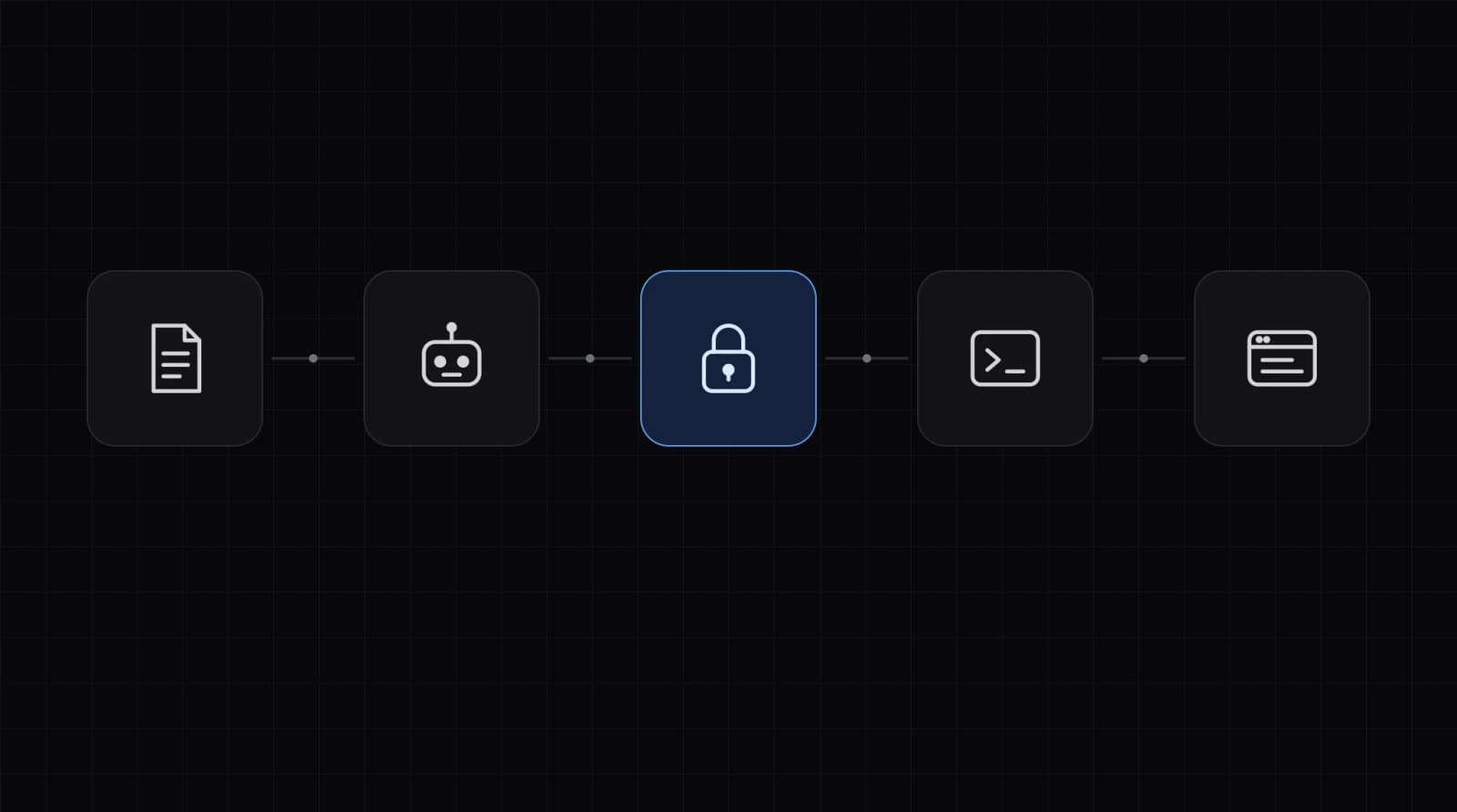
What an agent can open
An AI coding agent works in your project folder. It reads files to understand the code, and most agents also run terminal commands. A .env in that folder is a plain text file like any other.
bashgit check-ignore -v .env   # ignored by git
cat .env                   # still readable by any program in the folder
.gitignore keeps .env out of commits. It does not stop a program in the folder from opening it.
Editors add their own guards, and their docs state the gaps. Cursor keeps ignored files from its own tools, and says the agent's terminal and MCP tools can still reach them. Claude Code can deny reads of ./.env, and says the rule does not cover a script that opens files itself. These guards help. A file that is not there is simpler.
1. Move the values out of the folder
In a folder set up with npx getmyenv, import the file, then delete it.
bashnpx getmyenv import --dry-run
npx getmyenv import
rm .env                    # PowerShell: Remove-Item .env
Values are encrypted on your machine before upload. A file named .env.<slug> goes to the context with that slug. run does not read .env files. Delete them when you are ready.
2. Start the app with run
bashnpx getmyenv run -- npm run dev
The process that run starts gets readable values as environment variables, and so do its child processes. export writes them to a plaintext file. There is no .env on disk for the agent to open. Your code keeps reading process.env as before.
Start the app with run, not the agent. An agent started through run gets every value in its own environment.
What this does not stop
- An agent that can run commands can run
npx getmyenv runitself and print the values. Without a terminal,runcannot ask for the Vault password and stops. After you unlock in a terminal, open contexts stay unlocked for 8 hours, and a run the agent starts needs no prompt. npx getmyenv lockforgets the unlocked keys now.GETMYENV_KEYCHAIN=0asks for the Vault password every time. Both shorten the window. Neither is a wall against a program that runs as you.- Read-only contexts like Production are different. Only the owner sets Read-only values, in the dashboard. Only a server token reads them, so their values are not on your laptop.
- A value pasted in chat is sent to your AI provider. Type secrets at the hidden prompt instead, and rotate any you pasted.
bashnpx getmyenv lock          # forget unlocked keys on this machine
npx getmyenv set --missing  # type each missing value at a hidden prompt
Let the agent scaffold a guest project
An agent can create a project with no account. It declares the names, and you type the values.
bashnpx getmyenv guest --name my-app
npx getmyenv set OPENAI_API_KEY= DATABASE_URL=
# you, in a terminal:
npx getmyenv set --missing
npx getmyenv claim
It stays active while you use it, up to 180 days. Claim it to keep it. Until claim, .getmyenv/claim.json opens the guest vault, and it sits in the folder. An agent there can read the guest values. Claim the project before you store keys you care about. Keep claim.json private. Do not print it, paste it in chat, or add it to git. The human runs npx getmyenv claim in the same folder, and claim reads it.
The full flow: Let an AI editor start a project without an account.
Related docs: Security, How run works, Vault