Let an AI editor start a project without an account
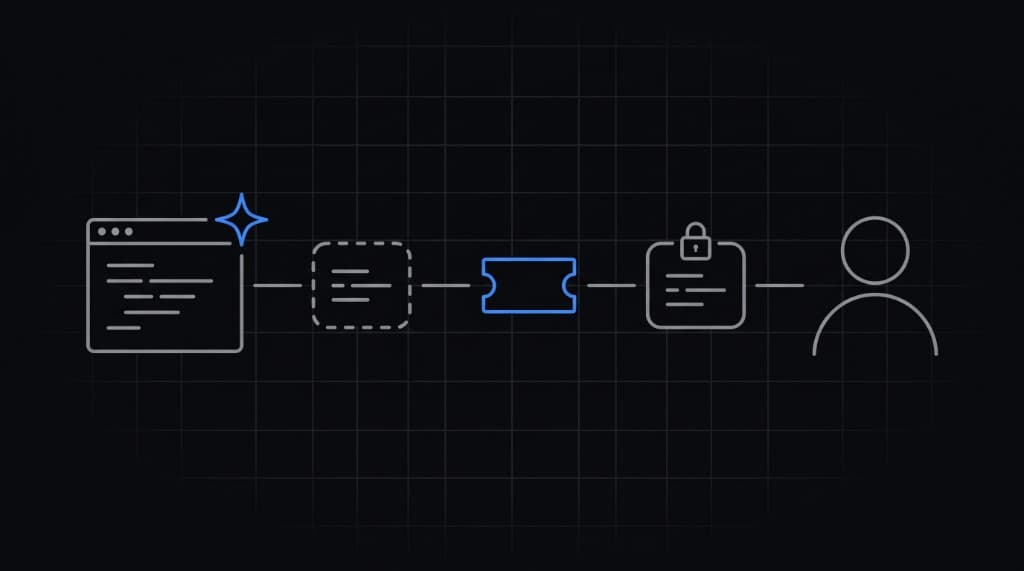
The agent creates a guest project while scaffolding. You claim it later.
Sep 26, 2026 · 3 min read
What the agent runs
npx getmyenv guest --name my-app
npx getmyenv import                  # or: npx getmyenv set KEY=value
npx getmyenv run -- npm run dev
guest needs no account and asks no questions. Values are encrypted on the machine before upload. While guest, the CLI reads the passphrase from .getmyenv/claim.json, so there is no Vault password prompt.
Start the app with run
The agent wraps the app's start command with npx getmyenv run --. It does not wrap itself. A missing value stops the run and prints its name.
What to commit
- Commit
.getmyenv/project.json. Commit.getmyenv/claim.jsonto private repos only. - Do not commit
.getmyenv/token.jsonorkey.json.
claim.json holds the claim code and the guest passphrase. Anyone with that file can open the guest vault until claim.
Claim it
npx getmyenv claimClaim opens the browser, asks for a Vault password, and rewraps the project key under it. Guest projects have Development only. They work for 30 days, then are read-only for 30 more. Claim within 60 days. Unclaimed projects may be deleted after that.