Import a .env and run your app
Move an existing .env into a project, then start a Node or Python app with its variables.
Sep 26, 2026 · 3 min read
1. Set up the folder
Start in the folder that holds your app and its .env. Your code does not change.
cd your-project
npx getmyenv
Choose Start without an account, or Sign in. Setup offers to import the .env files it finds.
2. Import
If you skipped the import during setup, run it now. Check first with --dry-run.
npx getmyenv import --dry-run
npx getmyenv import
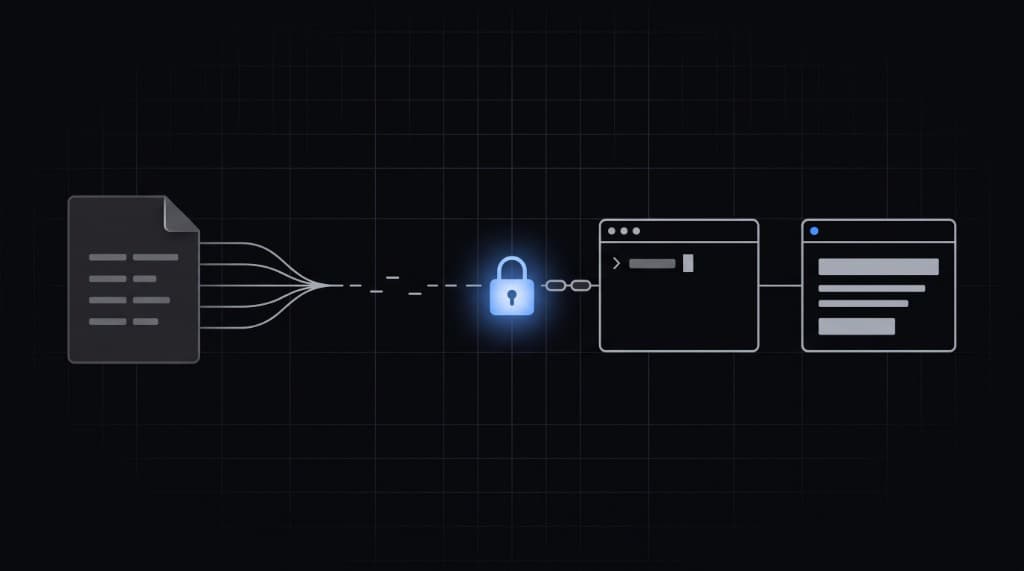
Values are encrypted on your machine before upload. A file named .env.<slug> goes to the context with that slug.
3. Run
Put your usual start command after the two dashes. Node:
npx getmyenv run -- npm run devjsconst key = process.env.OPENAI_API_KEY;
Python:
npx getmyenv run -- python app.pypythonimport os key = os.environ["OPENAI_API_KEY"]
run checks every variable before it starts the command. A missing value stops the run and names it. Add --explain to list each variable and where its value comes from. Names only.
4. After the first run
- Commit
.getmyenv/project.json. Do not commit.getmyenv/token.jsonorkey.json. rundoes not read.envfiles. Once your app starts withrun, you can delete the local.env.- If a tool must read a file,
npx getmyenv exportwrites one.