Contexts for previews and customers
Give each preview or customer its own values with context create --from.
Sep 26, 2026 · 3 min read
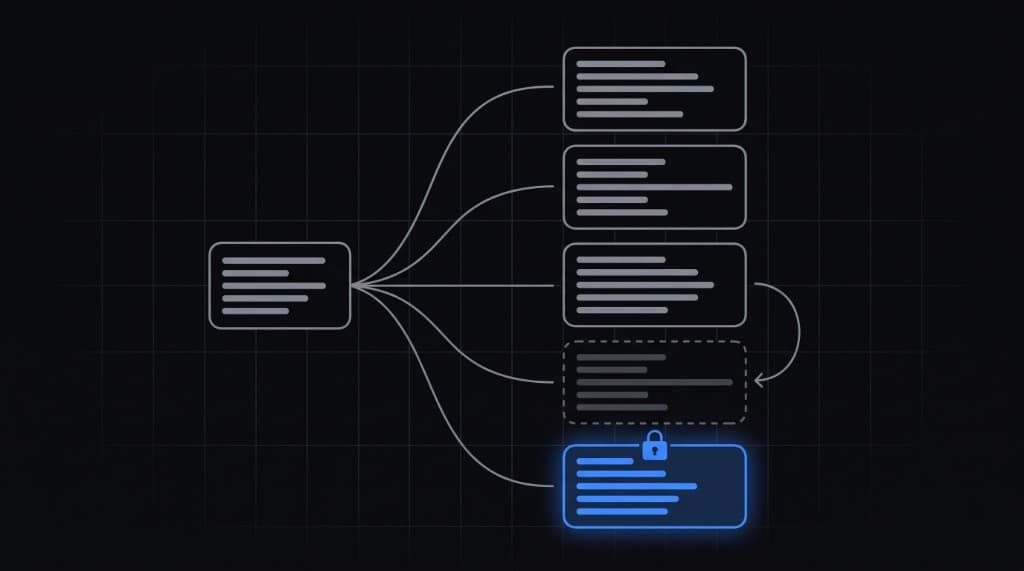
One context per place
A context is a set of values for one place your app runs. Every context has the same variables. A preview deploy or a customer install is one more context.
Copy from development
npx getmyenv context create "Preview 42" --from development
npx getmyenv context create "Customer Acme" --from development
The slug comes from the name: preview-42, customer-acme. --from copies ciphertext on the server without decrypting. The CLI creates open contexts and copies from open contexts only.
Change what differs
npx getmyenv set -c customer-acme API_BASE_URL=https://acme.example.com
npx getmyenv set -c customer-acme STRIPE_SECRET_KEY   # prompts for the value
npx getmyenv ls shows variable names by context with status. Never values.
Run one
npx getmyenv run customer-acme -- npm start
npx getmyenv context use customer-acme   # make it this folder's default
A missing value in that context stops the run and names it. Pass --allow-missing to run anyway.
Lock the ones that matter
In the dashboard, open the context settings and switch it to Locked. After that, only a server token bound to it can read it, and the CLI is read-only there.