Chain 1Password or Bitwarden with getmyenv run
Keep some values in 1Password or Bitwarden Secrets Manager. Wrap getmyenv run with op run or bws run, and the app gets both.
Oct 10, 2026 · 4 min read
How chaining works
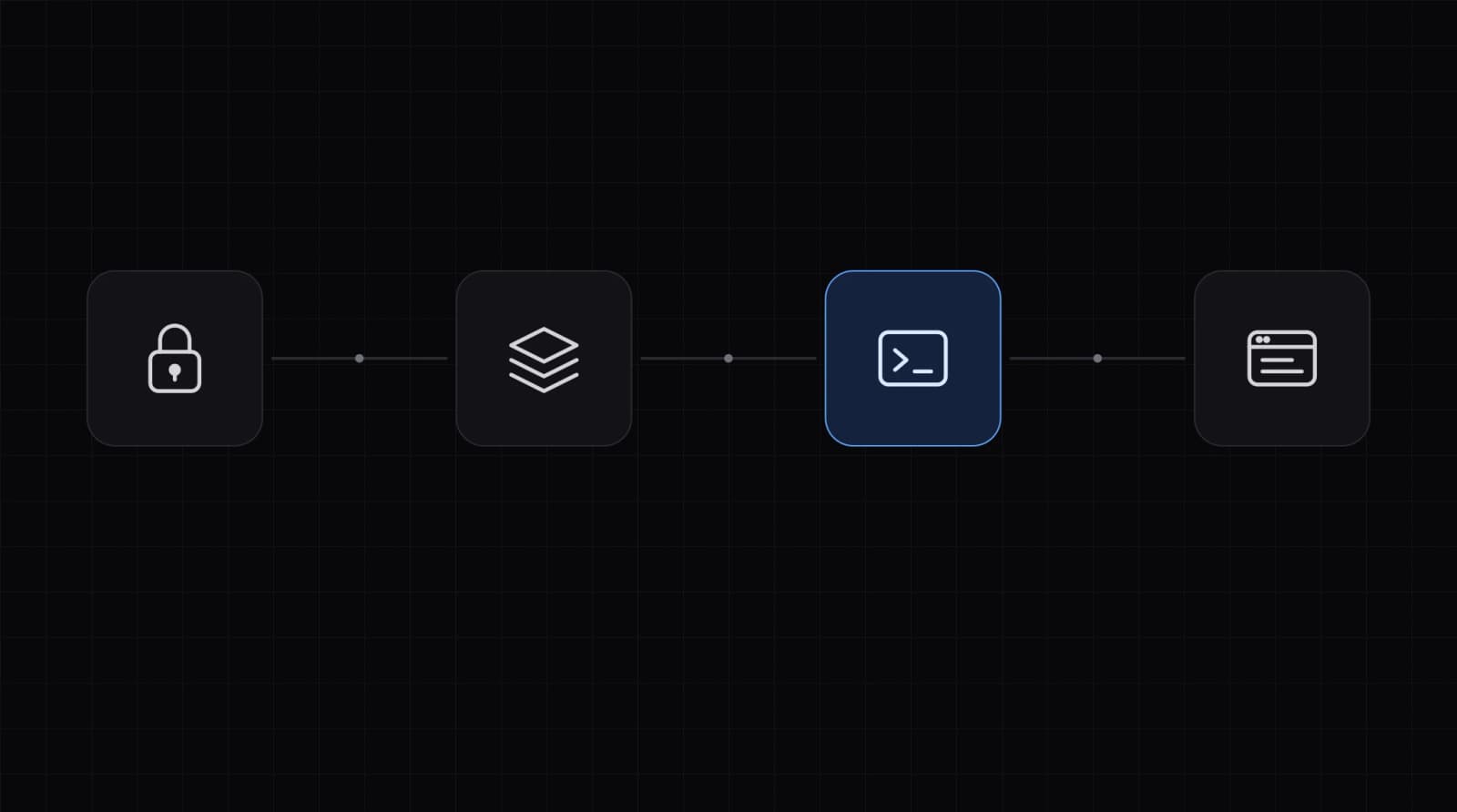
getmyenv run reads the parent environment. Whatever starts it, like op run or bws run, can add variables first. Each tool fetches its own values when the command starts.
bashop run -- npx getmyenv run staging -- npm start
A name the project declares with no value in this context passes the check when the parent environment has it. Declare it, and leave the value to the password manager:
bashnpx getmyenv set STRIPE_SECRET_KEY= -c staging
1Password: op run
op run replaces secret references in the environment or in env files you pass with --env-file. Keep the references in a file whose name does not start with .env, like op.env. Then npx getmyenv import does not pick it up.
bash# op.env holds references, not values
STRIPE_SECRET_KEY=op://dev/stripe/secret-key
bashop run --env-file=op.env -- npx getmyenv run staging --keep-existing -- npm start
op run masks secret values in the command's output by default.
Bitwarden Secrets Manager: bws run
bashexport BWS_ACCESS_TOKEN=...   # machine account access token
bws run --project-id <project id> -- 'npx getmyenv run staging --keep-existing -- npm start'
bws run runs the command in a shell: sh on Linux and macOS, PowerShell on Windows. Single quotes keep your own shell from reading the line first. Each secret's name becomes the variable name. --project-id limits it to one project.
Which value wins
- A name set only in getmyenv, or only in the password manager: that value.
- A name set in both: getmyenv wins by default, and
runprints each replaced name. - With
--keep-existing, the password manager's value wins, andrunprints each kept name.
Check the result with --explain inside the wrapper. It prints names and where each comes from. Never values.
bashop run --env-file=op.env -- npx getmyenv run staging --keep-existing --explain
Limits
- getmyenv does not read from 1Password or Bitwarden. Each tool needs its own sign-in:
opits account,bwsits access token, getmyenv its folder or server token. - run fetches the values from getmyenv each time it starts. If it can't reach the server, the command does not start. A running process keeps its values.
- The process that run starts gets readable values as environment variables, and so do its child processes. export writes them to a plaintext file.
Precedence and the merge: How run works.
Related docs: How run works, When getmyenv fits, Variables